

Get play tesla right
Start Tesla with the constraint that matters most in real life: space, timing, budget, skill level, maintenance, or availability. That first constraint should shape the rest of the plan instead of appearing as an afterthought. Keep the first pass simple enough to verify. Compare the main options against the same criteria, remove choices that only work in ideal conditions, and save optional upgrades for later.
The simplest way to use this section is to keep the setup small, verify each change, and record the stable configuration before adding optional accessories.
Turn off your Tesla and secure the battery
Shutting down a Tesla correctly isn’t just about leaving the car; it’s about managing the high-voltage system and ensuring the 12-volt battery stays charged for next time. With the 2026 software updates, the process is streamlined, but skipping steps can leave your vehicle in a low-power state or trigger unnecessary drain.
Follow this sequence to properly power down your vehicle and protect the battery health.
Ensure the vehicle is completely stopped and the gear selector is in Park. The car will not allow a full shutdown if it detects movement or if it is still in Drive or Reverse. Verify the screen shows the car is stationary.

Open the door and step out. The touchscreen will prompt you to exit. If you stay inside, the car remains in a ready state, consuming battery for climate control and systems monitoring. Leaving the vehicle is the first physical step in the shutdown sequence.
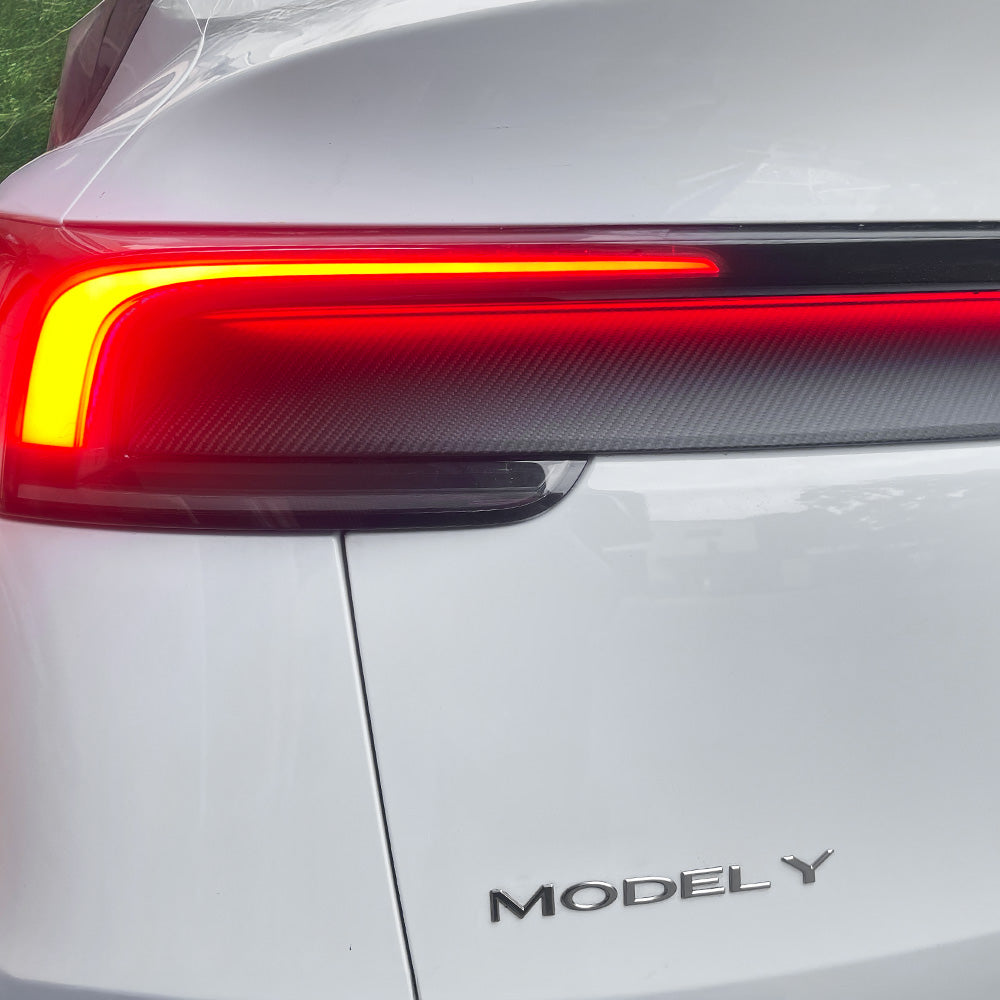
Close the driver’s door, passenger doors, and the trunk or rear hatch. The car will not lock or fully power down if any entry point is ajar. Listen for the door close chime or watch the touchscreen to confirm all doors are secure before proceeding.
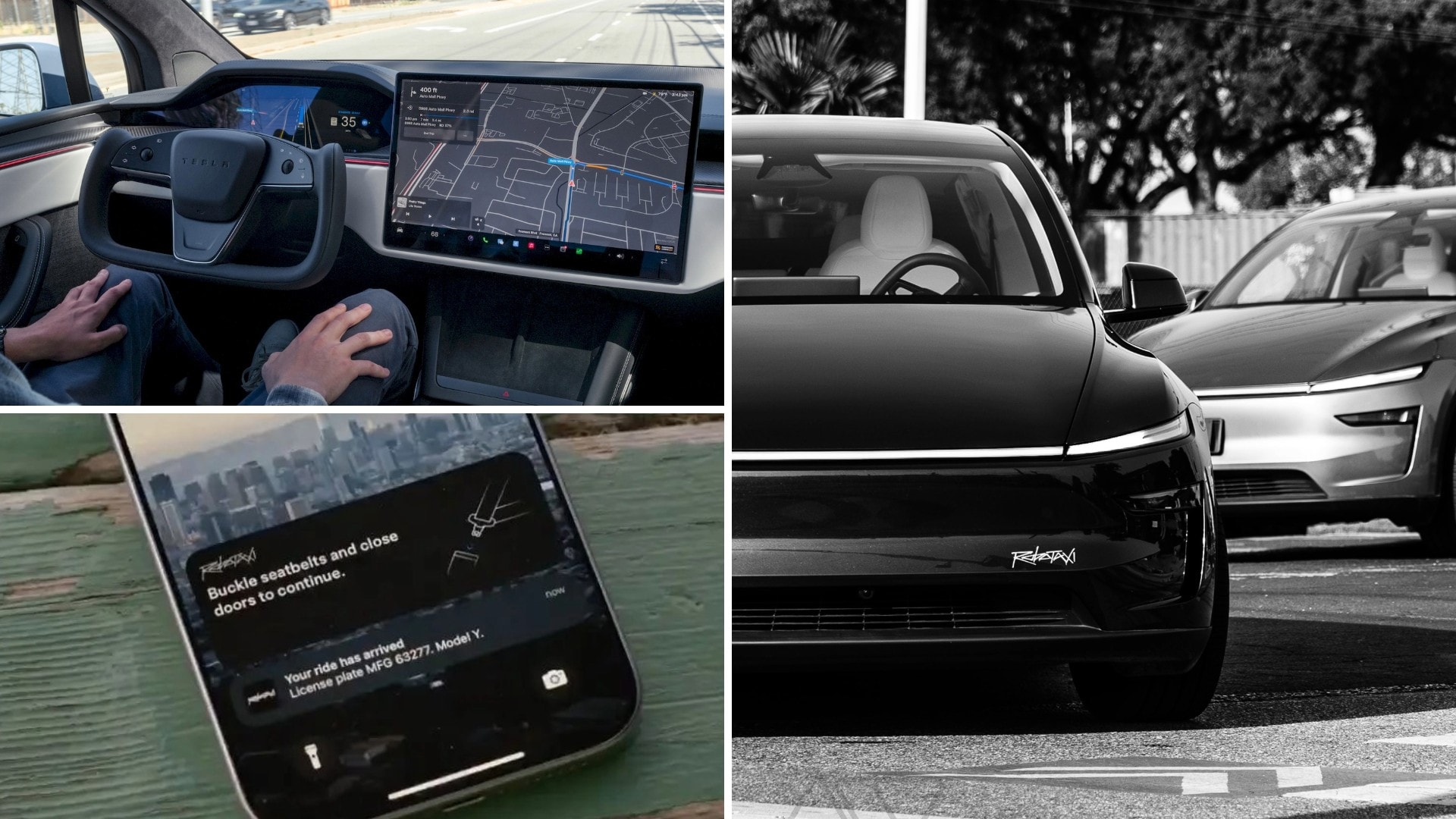
Press the lock button on the key fob, tap the lock icon on the phone key, or close the driver’s door while holding the door handle if you have keyless entry. The mirrors should fold in, and you should hear a confirmation chirp. This action signals the car to begin its sleep cycle.
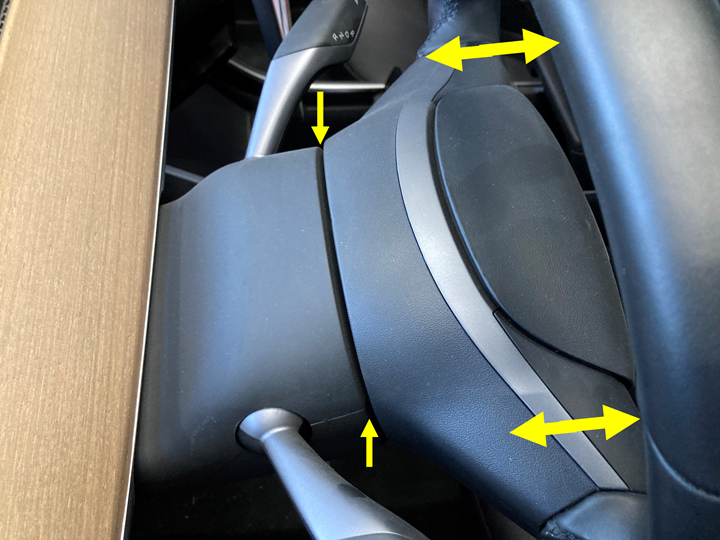
Wait 30–60 seconds. The touchscreen should go black. If you tap the screen or open the door, it should wake up instantly. If it stays lit or the climate system continues running, the car is not fully asleep. Check for open apps or active downloads that might be preventing sleep.
Common Mistakes When Turning Off Your Tesla
Many owners treat their Tesla like a traditional combustion engine car, leading to unnecessary battery degradation or system glitches. These errors often stem from misunderstanding how the vehicle manages power when parked. Avoiding these pitfalls ensures your battery stays healthy and the car wakes up ready to go.
Leaving the Car in 'Drive' or 'Park' with Climate On
The most frequent error is forgetting to switch the gear selector to Park before exiting. While the car may lock, leaving it in Drive can engage regenerative braking unexpectedly or drain the 12V battery faster. Similarly, leaving the climate control running without a scheduled departure time wastes energy. If you need to pre-condition the battery, use the Scheduled Departure feature in the app instead of manual climate control.
Ignoring Software Update Notifications
Tesla releases frequent over-the-air (OTA) updates that fix bugs and improve battery management algorithms. Many drivers dismiss these notifications, assuming the car is "good enough." However, older software versions may not optimize charging thresholds correctly, leading to faster capacity loss. Always update within 48 hours of notification to ensure the latest battery protection protocols are active.
Using 'Sentry Mode' Without a Large SD Card
Sentry Mode is useful for security, but it writes data continuously to the SD card. Using a slow or small-capacity card (less than 64GB) can cause the car to freeze or stop recording entirely. This not only compromises security but can also corrupt the file system, requiring a factory reset. Use a high-endurance, 128GB+ microSD card to prevent these issues.
Forgetting to Close the Frunk and Trunk Properly
An improperly sealed frunk or trunk triggers a warning and can cause the car to limit charging speed or refuse to lock. This is often due to debris in the latch or not pushing hard enough to engage the secondary lock. Always check that the latches click firmly before leaving the vehicle. A loose seal can also lead to water damage or pest intrusion during long-term parking.
Play tesla: what to check next
Owners often ask how the vehicle handles power-down routines and battery health in the latest software. The answers have shifted with recent updates, so here are the most common practical concerns.
No comments yet. Be the first to share your thoughts!