

Getting started with your new Tesla
As a 2026 tesla owner, you are stepping into a vehicle that prioritizes intuitive interaction over mechanical complexity. "Playing Tesla" is not about gaming; it is the seamless connection between you and the car’s interface. Think of the steering wheel, pedals, and center screen as instruments you learn to play. This guide helps you turn initial confusion into muscle memory.
The biggest shift is the lack of physical buttons. Everything happens on the touchscreen or via voice commands. At first, reaching for a volume knob or gear selector that isn't there feels abstract. This is normal. The goal is to rewire your expectations so the car responds to your touch and voice as naturally as your phone.
Start by exploring the cabin at a stop. Familiarize yourself with climate controls, media settings, and driving modes on the main screen. Once you know the layout, you can anticipate controls without taking your eyes off the road. The Tesla app serves as a remote control, letting you pre-condition the cabin, lock doors, and locate the car before you step outside.
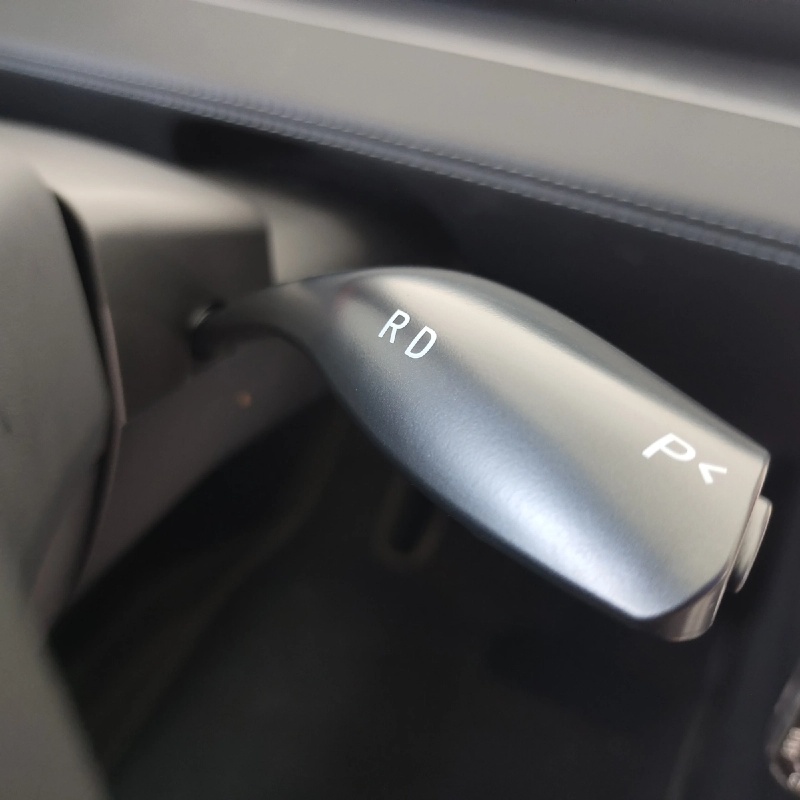
How to properly turn off your Tesla
Many new owners look for an "off" button or worry about shutting down electronics. This anxiety is unnecessary. A Tesla does not need to be turned off in the traditional sense. It manages its own power states automatically.
Think of "playing Tesla" like using a modern smartphone. You don't manually shut it down every night. You simply put it away, and the device handles the rest. Your Tesla enters a low-power "sleep mode" once you lock it and walk away. Your job is to park correctly and secure the vehicle.
Follow these steps to exit your Tesla safely and efficiently.
Bring your Tesla to a complete stop. Ensure the gear selector is in Park. Unlike gas cars, you do not need to engage a parking brake manually for short stops, though it is good practice for long-term parking. The car holds itself stationary using regenerative braking and the electronic parking brake if needed.
Confirm the gear indicator on the touchscreen shows "P" for Park. In most modes, the car automatically shifts to Park when you open the door, but verify this visually. On steep inclines, the car automatically applies the parking brake.
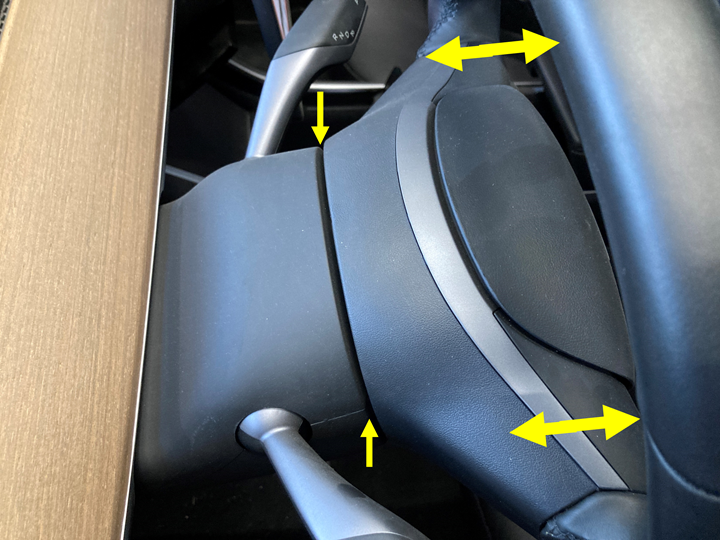
Open your door and step out. The car begins its shutdown sequence: the screen goes dark, ambient lighting turns off, and climate control ceases. If left in Drive or Reverse, it will beep and shift to Park automatically once the door is opened.
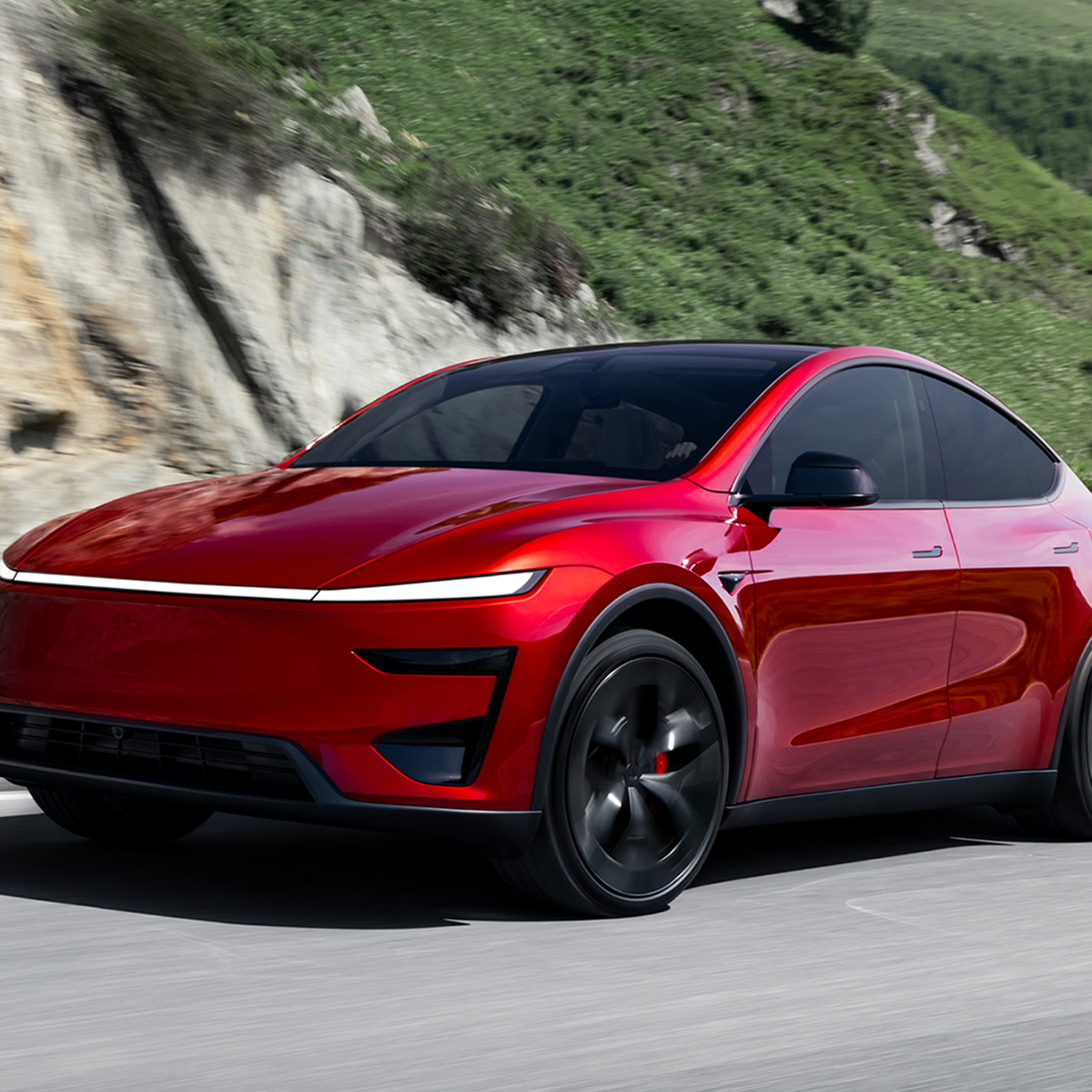
Close the door firmly. Lock the car using the key fob, phone key, or door handle touch button. The mirrors will fold in (if enabled) and the car enters sleep mode. You do not need to press any other buttons.
Check the Tesla app to confirm the car is sleeping. The car icon should stop showing active processes like "Defogging." If the car stays awake, check for open doors, active Sentry Mode, or USB devices drawing power.
What if the car won't sleep?
If the Tesla stays awake after locking, check for these common causes:
- A door or trunk is slightly open: The car keeps systems running to warn you.
- Sentry Mode or Cabin Overheat Protection: These features intentionally keep the car awake.
- A USB device is drawing power: The car may stay on to charge a phone.
- Software update: The car might be downloading an update in the background.
If the car refuses to sleep, hold down both scroll wheels on the yoke or steering wheel for 10 seconds until the screen goes black and the Tesla logo reappears. This safe restart often resolves temporary glitches.
Installing a home wall charger
Setting up a home charging station is the foundation of owning a Tesla. A dedicated Level 2 charger transforms your garage into a personal charging hub, significantly reducing wait times compared to standard household outlets.
This process requires electrical assessment, hardware selection, and professional installation.
An electrician must verify that your home’s electrical panel has the capacity for a new 240-volt circuit. Most Teslas require a 40-amp or 50-amp circuit. If your panel is full, you may need an upgrade, which adds to the cost and timeline.
Choose between the official Tesla Wall Connector or a third-party Level 2 charger. The Wall Connector offers seamless app integration. Third-party options may offer more smart home flexibility, provided they are NEMA certified for EV charging.
Never attempt to install a 240-volt EV charger yourself unless you are a licensed electrician. A professional ensures proper grounding, conduit protection, and code compliance. This step is critical for safety and warranty validity.
Once wired, the charger is mounted near your parking spot. The installer tests the connection for stable power. Pair the device with your Tesla account to enable charging limits and scheduled off-peak charging.
With a dedicated circuit, you can plug in every night and wake up to a full battery. This setup works reliably in the background, mirroring the intuitive nature of driving the vehicle.
Drive and charge smarter
Maximizing daily efficiency is about driving smarter. By tweaking settings, you can extend range and protect battery health.
Regenerative braking and climate control
Regenerative braking captures energy usually lost as heat and sends it back to the battery. Set your regen to "Standard" or "Low" depending on your preference for one-pedal driving. Use the app to pre-condition the battery before driving or charging. This warms the battery to its optimal temperature, improving acceleration and charging speed while ensuring cabin comfort.
Common mistakes new owners make
Most errors come from treating the car like a traditional internal combustion engine vehicle. Here are the most frequent pitfalls.
Ignoring software updates
Software updates are essential for performance, safety, and new features. The car notifies you when an update is ready, usually overnight. Install them promptly to ensure you have the latest battery management algorithms and Autopilot improvements.
Overcharging the battery
For daily driving, do not charge to 100%. Regularly charging to 100% stresses the battery cells. Set your daily charge limit to 80-90% in the charging settings. Only charge to 100% for long road trips where you need every mile of range.
Misusing tow mode
Towing a Tesla incorrectly can destroy the drivetrain. Never put the car in neutral and tow it like a regular vehicle. If you must tow your Tesla, enter "Tow Mode" through the service menu first. This disengages regenerative braking and allows the wheels to spin freely.
Forgetting to use pre-conditioning
Driving a cold battery reduces range and charging speed. Use the app or climate schedule to pre-condition the battery before you leave. This ensures the cabin is comfortable and the battery is ready for efficient charging at Superchargers.
Frequently asked questions about Tesla ownership
This guide focuses strictly on the electric vehicle brand. We answer practical questions about driving, charging, and maintaining your car.
Is a Tesla easy to drive for a first-time owner?
Driving a Tesla is intuitive. The car starts moving as soon as you press the accelerator. There is no traditional gear shifter. You steer with the wheel, brake with the left pedal, and accelerate with the right. One-pedal driving allows you to slow down without touching the brake pedal, making city traffic less tiring.
How do I charge my Tesla at home?
Home charging is the standard way to keep your car ready. You can plug into a standard 120V outlet, though this is slow. For faster charging, install a Level 2 charger (240V) in your garage. Plug the connector into the car’s port on the driver’s side rear quarter panel. The car handles the rest, communicating with the charger to draw the maximum safe current. Schedule charging during off-peak hours to save money.
What is the difference between Tesla and other EVs?
Tesla’s primary advantage is its proprietary Supercharger network. Unlike other electric vehicles that rely on third-party networks, Tesla owners have access to a dedicated, reliable, and fast-charging infrastructure. This reduces range anxiety significantly. Additionally, Tesla vehicles receive over-the-air software updates that add new features and improve performance over time.
Can I tow a trailer with a Tesla?
Yes, but you must check your specific model. Model Y and Model 3 have lower towing capacities or none at all. Model S, Model X, and Cybertruck are designed for towing. Towing reduces your range significantly. Always distribute weight evenly and secure your load properly. Check the owner’s manual for the exact weight limit for your vehicle before hitting the road.
No comments yet. Be the first to share your thoughts!