
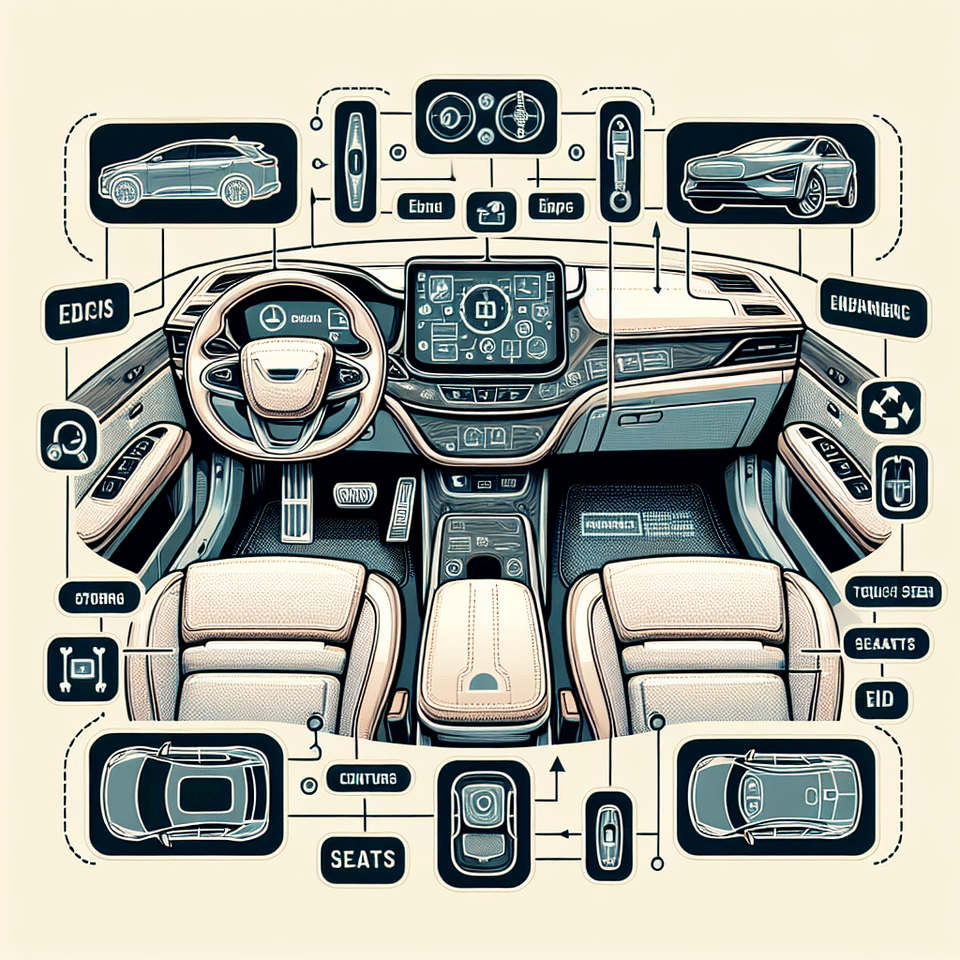

Stepping into a Tesla is like entering a new realm where technology and luxury converge, creating an experience that's both exhilarating and intuitive. As you acquaint yourself with the sleek interior, you'll notice that your Tesla is more than just a car; it's a hub of innovation designed to enhance your driving experience. Whether you're a new owner or just Tesla-curious, understanding how to navigate the interior and accessories of these futuristic vehicles is key to unlocking their full potential.
Mastering the Central Touchscreen
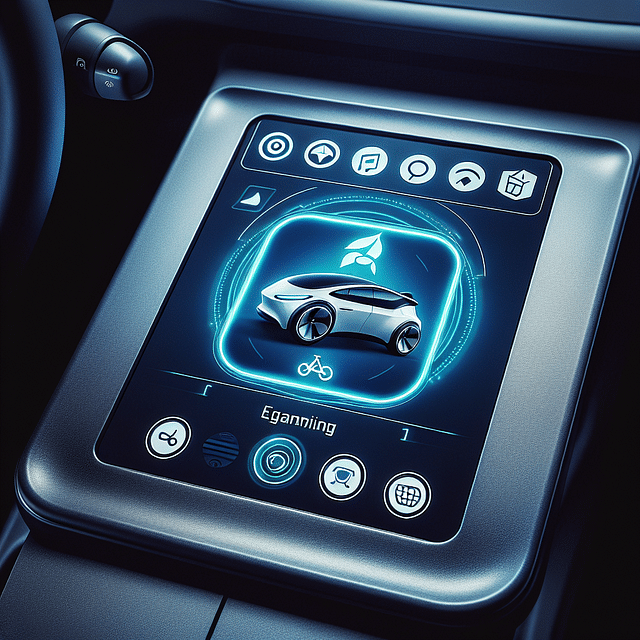
The heart of Tesla's interior is undoubtedly its central touchscreen. This command center controls nearly every aspect of your vehicle, from climate settings to vehicle diagnostics. It can be overwhelming at first glance, but with a bit of guidance, you'll be swiping and tapping like a pro. For an in-depth look at all the features and how to use them, check out our step-by-step guide.
Customizing Your Drive
One of the joys of owning a Tesla is tailoring every aspect of your drive to suit your preferences. From adjusting the steering wheel's resistance to setting up custom driver profiles, these vehicles are designed to cater to your unique driving style. To get started with personalizing your ride, explore our pro tips on operating your Tesla. And for those looking for an even deeper dive into customization:
Tesla Custom Settings Matchmaker
Ever wondered which Tesla custom settings align perfectly with your driving style? Take this quiz to find out and navigate the Tesla universe like a pro!
Tesla Accessories: Enhancing Your Experience
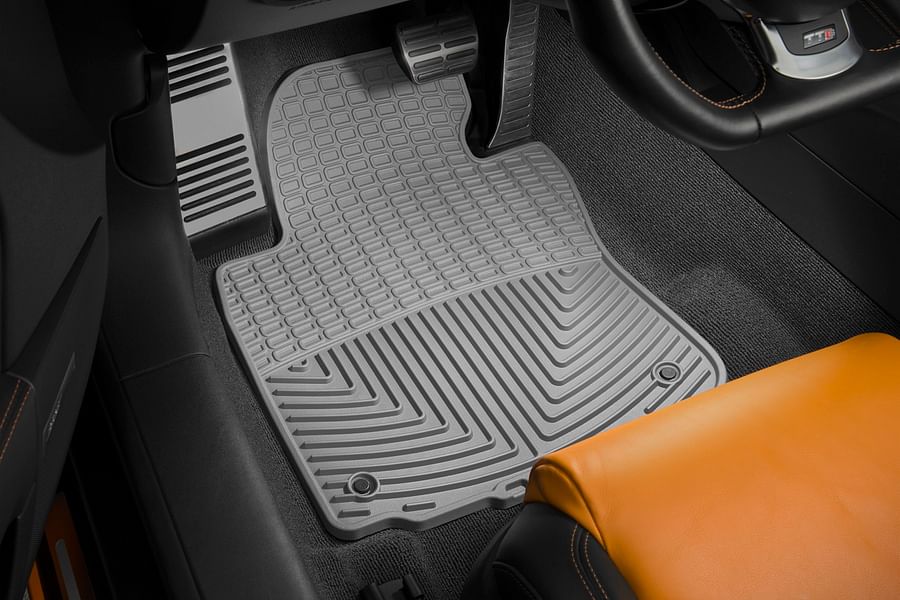
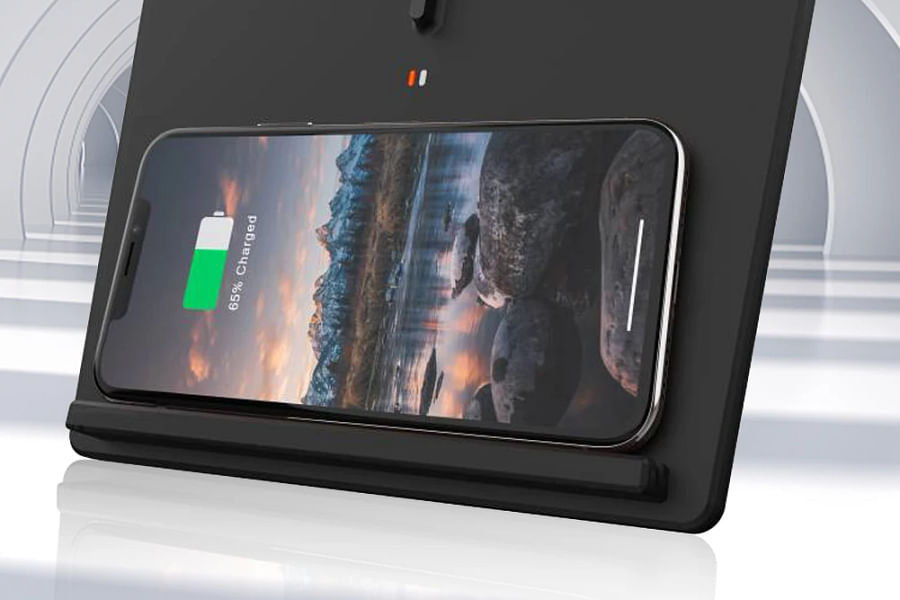
Beyond the basic features lie an array of accessories that can elevate your Tesla experience further. From all-weather floor mats that keep your interior pristine to wireless charging pads for your devices, there's no shortage of add-ons designed for convenience and comfort. For recommendations on must-have accessories:
Electrify Your Ride: Must-Have Tesla Accessories
Entertainment at Your Fingertips
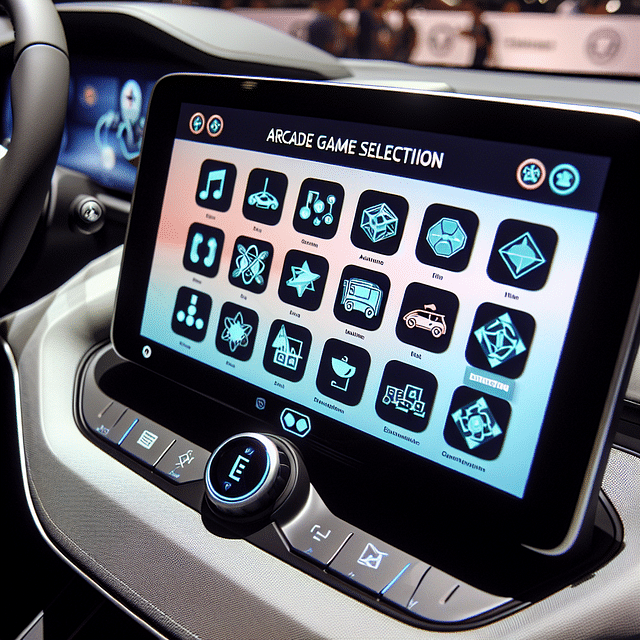
Your Tesla isn't just about getting from point A to B; it's about enjoying the journey. With in-car gaming options and streaming services available right on the central display, entertainment is always at hand. Whether you're waiting for your Supercharger session to complete or taking a break on a long trip, time flies when you're having fun in a Tesla. Learn more about how you can access and enjoy these features:
Unlocking Fun in Tesla Arcade: A Step-by-Step Guide



To truly appreciate what it means to own a Tesla, one must delve into its myriad capabilities. The vehicle's interior design is not just about aesthetics; it's about creating an environment where functionality meets pleasure. The minimalistic approach ensures that every feature serves a purpose without unnecessary complications.
For instance, opening doors from inside has been reimagined in Teslas with subtle but efficient mechanisms—no more traditional handles sticking out! If you want to learn more about such seamless integrations,
click here for tips on operating the unique features within your Tesla.The integration doesn't stop at physical components; software plays an equally critical role in enhancing user experience. The Autopilot system—a signature feature—exemplifies this by transforming mundane commutes into stress-free journeys.
Moving beyond transportation, Teslas also cater to those who appreciate meticulous organization within their vehicles. The glove box isn't merely a storage compartment; it's an opportunity to keep essentials neatly tucked away yet readily accessible.
From navigation prowess that guides you effortlessly through unfamiliar terrains,
our guide will help you master the integrated navigation system, ensuring that every journey is as smooth as possible.Tesla has not only redefined what we expect from our cars but also how we interact with them on every level—whether it’s through voice commands or over-the-air software updates that continually refresh the vehicle’s capabilities.
The company’s commitment to innovation extends even further with their mobile app integration allowing owners unmatched control over their vehicles remotely—from pre-conditioning the cabin temperature before entry to checking charge levels and controlling media playback.
If this sounds like something out of science fiction,
our beginner’s guide will ease you into driving a Tesla, demonstrating how these advanced features are part of everyday life for Tesla drivers.In conclusion (for this half), navigating through the world inside a Tesla can seem like charting unexplored territory—but rest assured, it’s territory worth exploring. With each interaction comes greater familiarity until what once seemed foreign becomes second nature—and ultimately enhances not just travel but life itself.
Moving past the sleek exterior of a Tesla, the interior is where the magic happens. The minimalist design is both functional and aesthetically pleasing, but it can be a bit daunting to navigate for new owners. Let's delve into making the most out of Tesla’s interior features and accessories.
Customizing Your Driving Experience
Tesla's settings menu is a treasure trove for personalization. From adjusting steering wheel resistance to setting the perfect cabin temperature before you even step inside, customization is at your fingertips. You can save these preferences in your driver profile, ensuring that your Tesla feels uniquely yours every time you drive. For those who share their vehicle, multiple driver profiles keep everyone's preferences just a tap away.
And let's not forget about Autopilot. This advanced driver-assistance system offers features like Navigate on Autopilot, Auto Lane Change, and Summon. While these features are incredibly innovative, they require a nuanced understanding to use safely and effectively. Explore our detailed guide on mastering the Tesla navigation system for an in-depth look.
Maximizing Comfort with Tesla Accessories
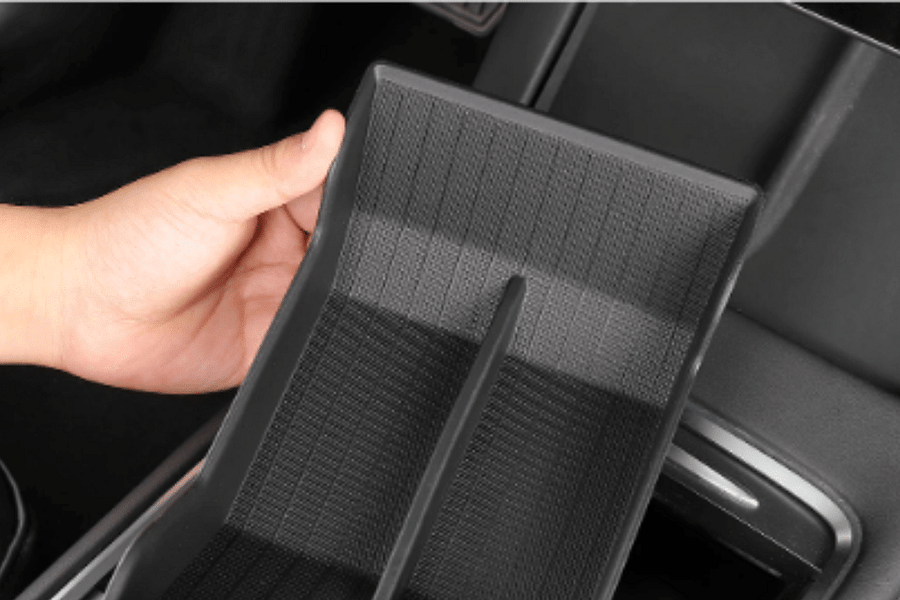
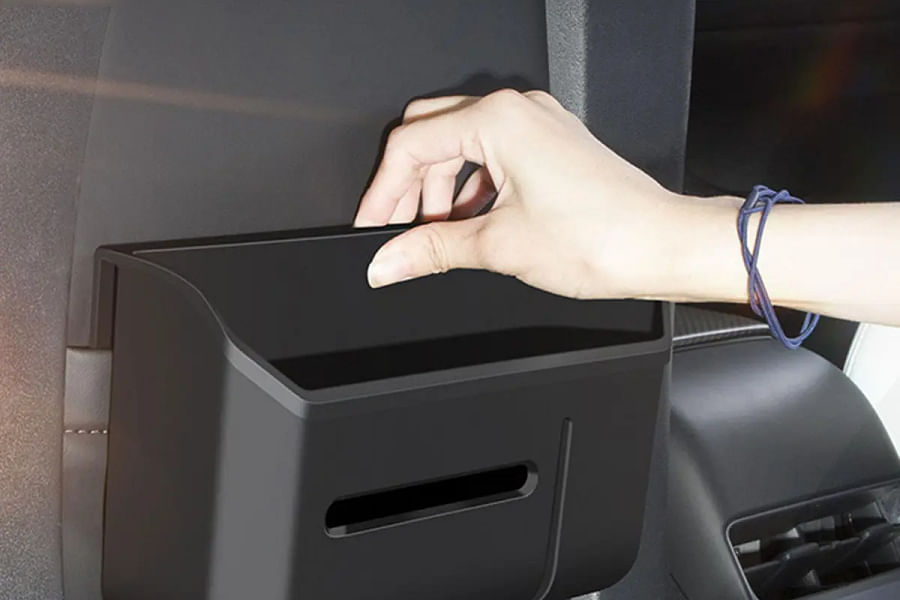
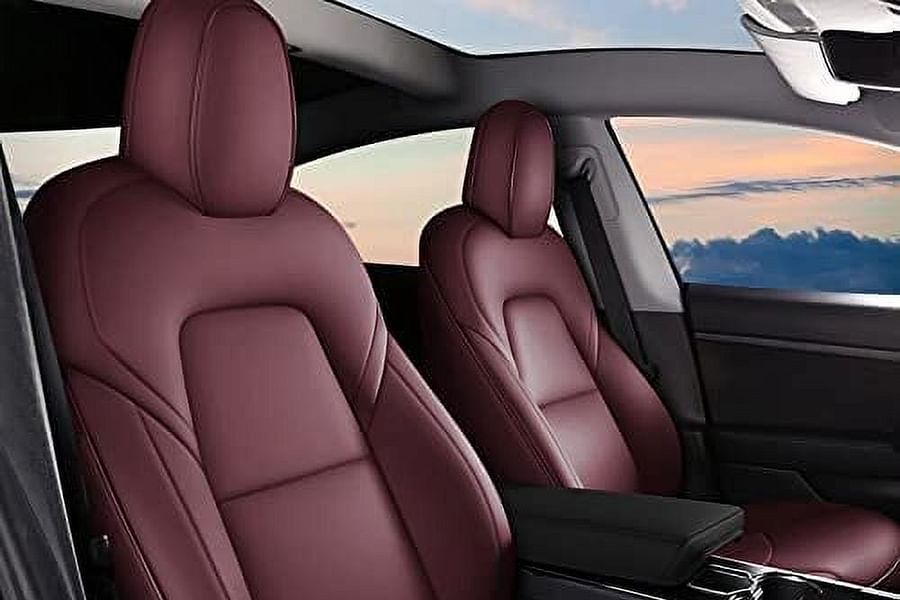
Accessories can elevate your experience from good to great. Consider investing in custom seat covers or all-weather floor mats to maintain the pristine condition of your interior. And for those long road trips, a center console organizer can be a game-changer in keeping your essentials within reach without clutter.
Tesla Must-Haves
- Center Console Organizer - Maximizes storage efficiency and keeps small items neatly arranged.
- All-Weather Floor Mats - Durable and easy-to-clean mats that protect the interior from the elements.
- Wireless Charging Pad - Conveniently charges smartphones without the clutter of cables.
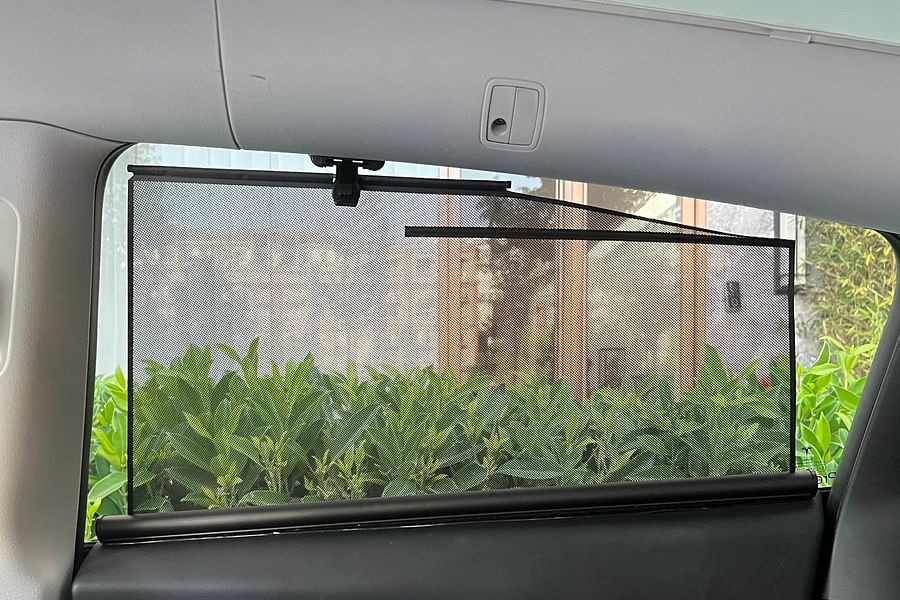
- Sunshade - Protects the interior from sun damage and keeps the cabin temperature down.
- Seatback Organizers - Offers additional storage and organization for rear passengers.
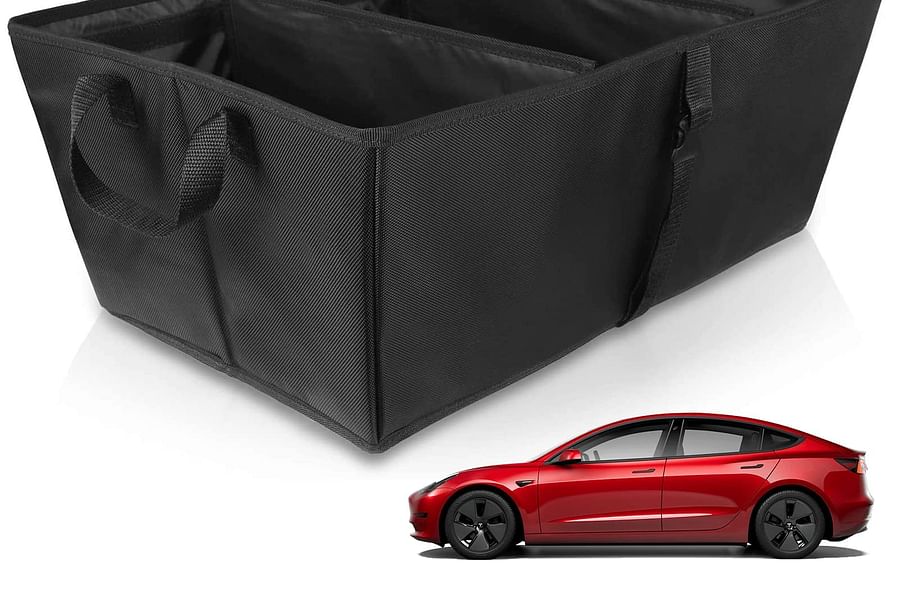
- Trunk Organizer - Helps keep groceries and gear stable and organized in the trunk area.
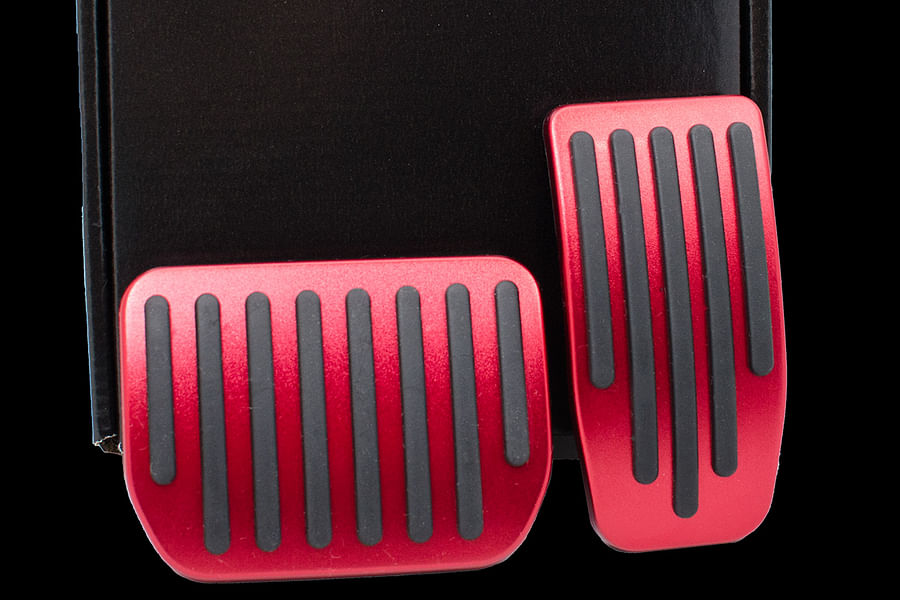
- Performance Pedal Covers - Adds a sporty touch and enhanced grip for the accelerator and brake pedals.
- Custom Fit Car Cover - Shields the vehicle from dust, scratches, and weather when parked outdoors.
- Door Pocket Hand Sanitizer Holder - A convenient and accessible way to maintain hygiene on the go.
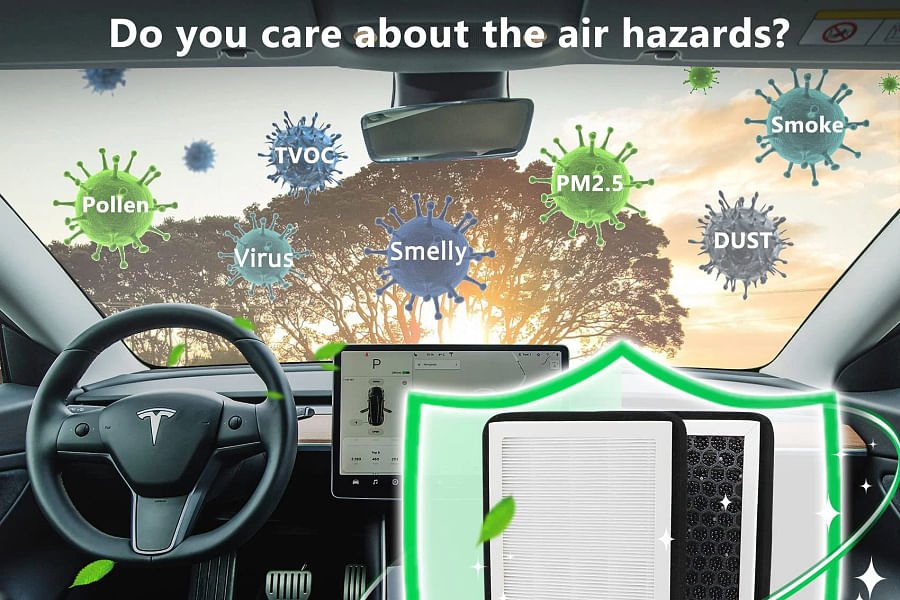
- HEPA Cabin Air Filter - Ensures the air inside the cabin is clean and free from pollutants.
If you're someone who enjoys gaming or streaming while charging or waiting in your car, you'll appreciate Tesla's infotainment system. It’s more than just navigation and music; it's an entertainment hub with access to games and streaming services like Netflix and Hulu. Dive into our guide on mastering the gaming experience in your Tesla to unlock fun at every stop.
The Essentials of Maintenance
Maintenance might not be as exciting as other features, but it's crucial for longevity. Regularly checking tire pressure, ensuring software updates are completed, and cleaning both interior surfaces and exterior sensors will keep your Tesla running smoothly. Remember that maintenance isn't just about mechanics; it also involves updating your knowledge base about the vehicle's capabilities.
Maintaining your vehicle also extends to emergency preparedness. The glove box isn't just for storing your manual; it should contain essentials like first aid supplies and a flashlight. For more information on what to include, check out our article on Tesla’s glove box essentials.
Remember: The key to enjoying all that your Tesla has to offer lies in understanding how it works—knowledge truly is power when it comes to electric vehicles.
To further enhance this knowledge base, we've created an interactive quiz that tests how well you know your Tesla—from its Autopilot features down to the nitty-gritty of daily maintenance.
Test Your Tesla Smarts
Are you a true Tesla aficionado? Put your knowledge to the test with this quiz on Tesla's interior and accessories!
In summary, navigating the world inside your Tesla goes beyond just driving—it's about creating an environment tailored to you while ensuring that everything runs as designed. By personalizing settings, utilizing accessories for comfort and convenience, and staying on top of maintenance needs, you'll optimize both performance and enjoyment.
For those eager to learn even more about their vehicle’s capabilities or troubleshoot specific issues, visit our comprehensive guides like operating your Tesla like a pro, or take our quiz at understanding and operating your vehicle. Embrace the full potential of your Tesla by staying curious—and stay charged!
No comments yet. Be the first to share your thoughts!