

The truth about battery degradation
Don't obsess over the percentage on your screen. That number is just a snapshot. Real battery health is about how you treat the cells over years, not just how many miles you have left today. Every battery wears out eventually, but heat and how often you floor it or fast-charge it determine how fast that happens.
Tesla’s Battery Management System (BMS) is a sophisticated piece of engineering. It constantly monitors and adjusts voltage, current, and temperature to protect the battery from damage. The BMS aims to balance cell usage, preventing some cells from wearing out faster than others. However, even with a smart BMS, how you use your Tesla significantly impacts long-term battery health. Maximizing battery life isn't just about maximizing range today; it’s about preserving as much range as possible years down the road.
Understanding this distinction is key. A battery at 90% health with 300 miles of range today will still provide useful range in the future, but a battery consistently pushed to its limits and exposed to harsh conditions will degrade more quickly. Focusing on preventative measures is far more effective than trying to 'fix' a degraded battery later on.”
Stop charging to 100%
For day-to-day use, aiming to keep your battery between 20% and 80% is generally considered the sweet spot. This minimizes stress on the battery cells compared to regularly charging to 100% or letting it drain to near zero. The idea is to avoid the extremes that accelerate degradation. While Tesla’s BMS is excellent, consistently operating within this range provides a buffer.
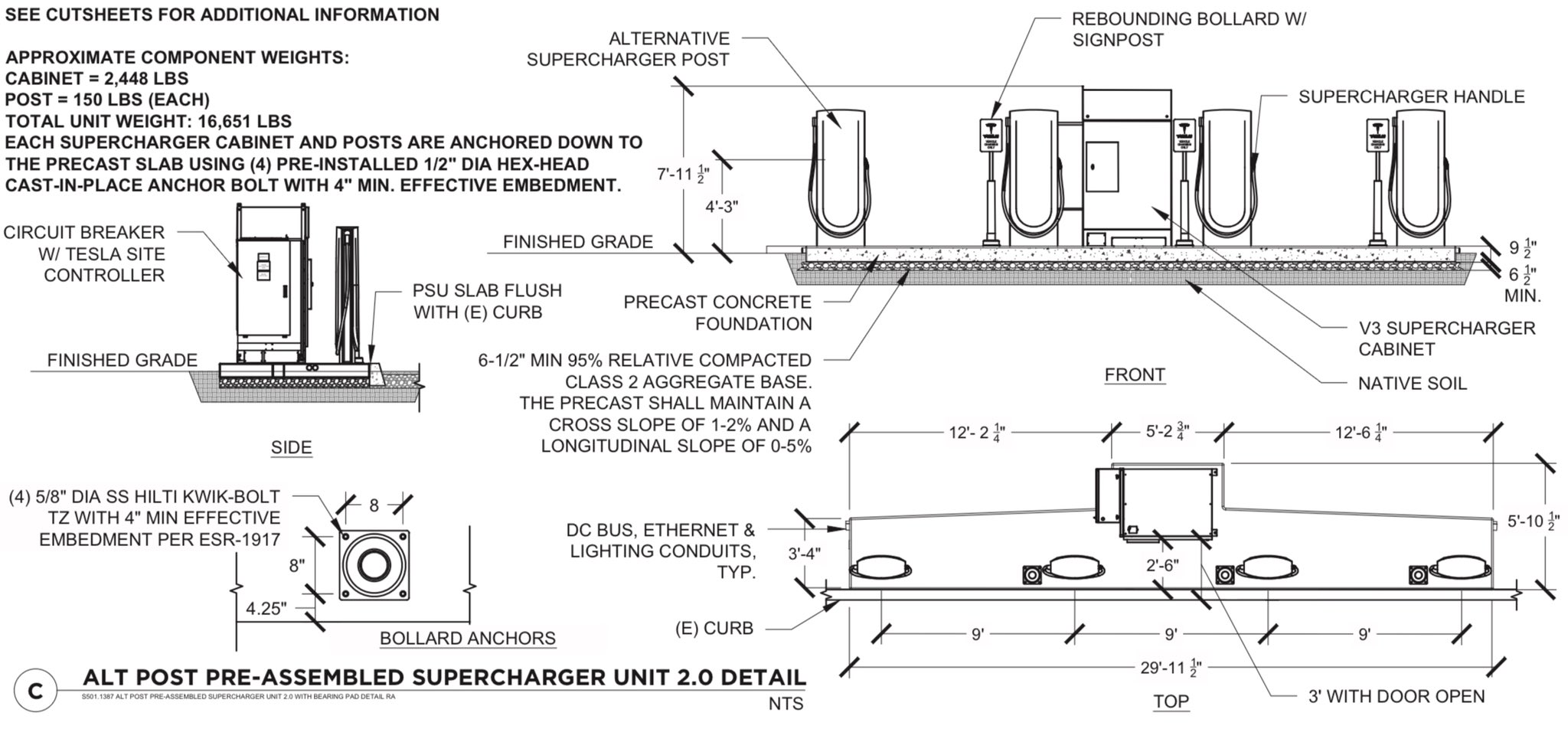
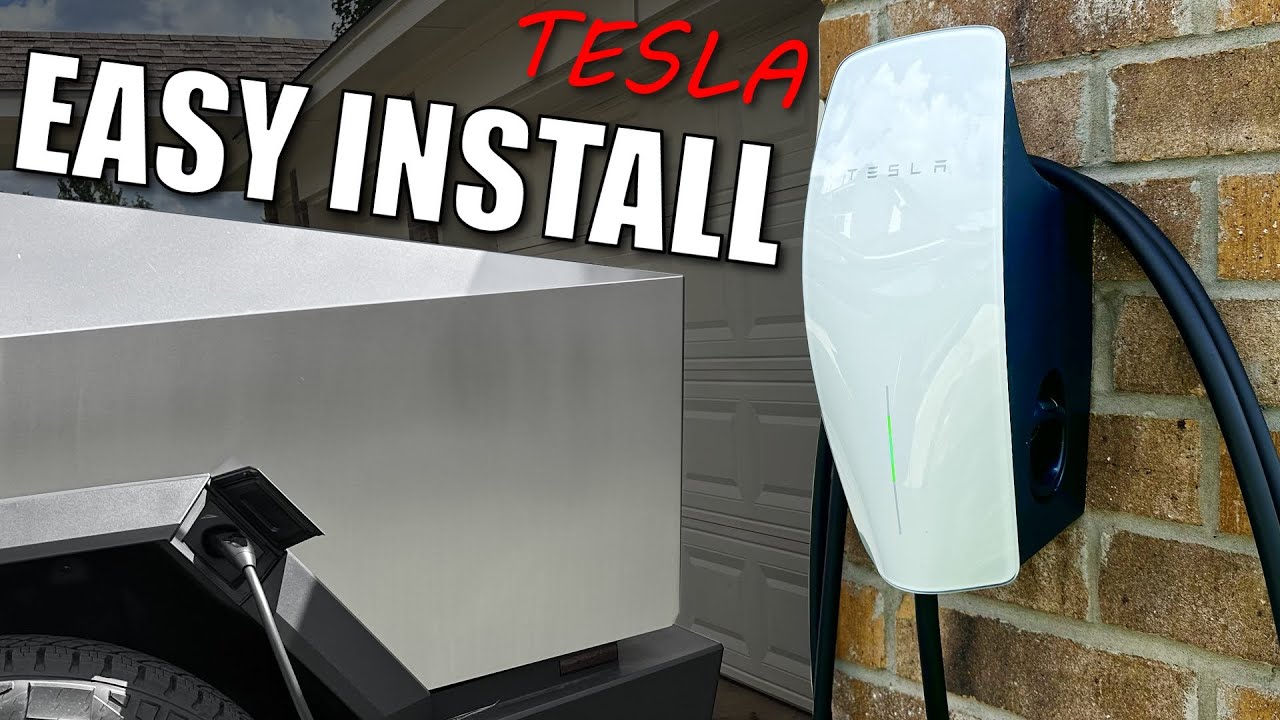
Reserving 100% charges for long trips is a smart strategy. It’s convenient to have the full range available when you need it, but it shouldn't be your default charging behavior. Different charger types also play a role. Level 1 and Level 2 charging are gentler on the battery than DC fast charging (Supercharging), so prioritizing these options when possible is beneficial.
My Model 3 has held up better since I stopped hitting the Supercharger every week. It’s convenient, sure, but plugging in at home is gentler. If you have a garage or a slow charger nearby, use it.
- Keep the daily limit at 80% unless you're heading out on a road trip.
- Aim to keep daily charging between 20% and 80%.
- Prioritize Level 1 or Level 2 charging over Supercharging when possible.
Heat is the real enemy
Extreme temperatures – both hot and cold – can significantly impact battery health. Heat accelerates degradation, while cold reduces available range and can cause permanent damage if charging occurs at very low temperatures. Tesla’s thermal management system does a remarkable job of regulating battery temperature, but it’s not foolproof.
Practical steps you can take include parking in the shade during hot weather and utilizing Tesla’s preconditioning feature to warm up the battery before driving in cold weather. Preconditioning not only improves range but also reduces stress on the battery. Garage storage is ideal, providing a more stable temperature environment.
I’m not sure about the long-term effectiveness of aftermarket battery cooling systems. While they may offer some benefits, there’s limited independent data to support claims of significantly extended battery life. It’s generally safer to rely on Tesla’s built-in thermal management system and employ preventative measures like shaded parking.
Supercharging Strategies: Minimize the Damage
Frequent DC fast charging, like Supercharging, generates heat, which, as we’ve discussed, is detrimental to battery health. While sometimes unavoidable, you can minimize the damage by optimizing your Supercharging sessions. Avoid charging to 100% unless absolutely necessary, as the charging rate slows down significantly in the final stages, generating more heat.
Starting your charge from a lower state of charge (e.g., 20%) is preferable to topping off from a higher percentage. This allows for a faster charging rate during the initial phase, reducing the overall charging time and heat exposure. Limiting the session length is also important – only charge for as long as you need to reach your desired range.
When available, consider using alternative charging networks to diversify your charging sources. It’s worth checking which networks offer competitive pricing and convenient locations. Let's be realistic, though; Supercharging is often the most practical option, so focusing on how you use it is crucial.
- Avoid charging to 100% at Superchargers.
- Start charging from a lower state of charge.
- Limit Supercharging session length.
- Explore alternative charging networks when feasible.
When to Supercharge vs. Level 2 Charging
| Trip Length | Time Available | Battery Level | Supercharging Recommendation |
|---|---|---|---|
| Less than 50 miles | Limited (under 30 minutes) | Above 20% | Low - Level 2 charging is likely sufficient given the short distance and available time. |
| 50 - 150 miles | Limited (under 30 minutes) | Below 20% | Medium - Consider Supercharging to quickly replenish range, especially if the destination is far from Level 2 options. |
| 50 - 150 miles | Sufficient (over 2 hours) | Above 50% | Low - Level 2 charging is preferable for battery health and cost-effectiveness. |
| 150 - 300 miles | Limited (under 30 minutes) | Any | High - Supercharging is recommended to minimize travel time and ensure sufficient range. |
| 150 - 300 miles | Sufficient (over 2 hours) | Below 30% | Medium - Supercharging can provide a significant boost, but Level 2 is viable if time allows. |
| 300+ miles | Limited (under 30 minutes) | Any | High - Supercharging is essential for maintaining travel plans and avoiding range anxiety. |
| 300+ miles | Sufficient (over 2 hours) | Above 50% | Low - Level 2 charging is the optimal choice for battery longevity and cost savings, if feasible. |
Illustrative comparison based on the article research brief. Verify current pricing, limits, and product details in the official docs before relying on it.
Software Updates & Battery Management
Tesla’s over-the-air software updates aren’t just about adding new features; they often include improvements to battery management and performance. These updates refine the BMS algorithms, optimizing charging behavior and thermal regulation. It's amazing how much Tesla can improve through software alone, often without any hardware changes.
Enabling features like battery preconditioning and scheduled departure can further enhance battery health. Preconditioning warms or cools the battery to the optimal temperature before driving, while scheduled departure allows the car to prepare for your trip in advance. Keeping your vehicle software up to date is one of the simplest and most effective things you can do to protect your battery.
Tesla consistently refines these systems, so staying current is essential for benefiting from the latest advancements in battery technology.
Long-Term Storage: Preserving Capacity
If you plan to store your Tesla for an extended period (e.g., several months), proper preparation is crucial. The ideal state of charge for long-term storage is around 50-60%. This minimizes stress on the battery cells. Disconnecting the 12V battery is also recommended to prevent parasitic drain.
There’s debate surrounding the use of battery maintainers (trickle chargers). Some argue they’re beneficial for preventing deep discharge, while others believe they can contribute to long-term degradation. I’ve read conflicting information, so it’s a decision you’ll need to make based on your own research and comfort level.
Consult Tesla’s documentation for specific recommendations regarding long-term storage, as procedures may vary depending on the model and battery type.
Service & Battery Health Checks
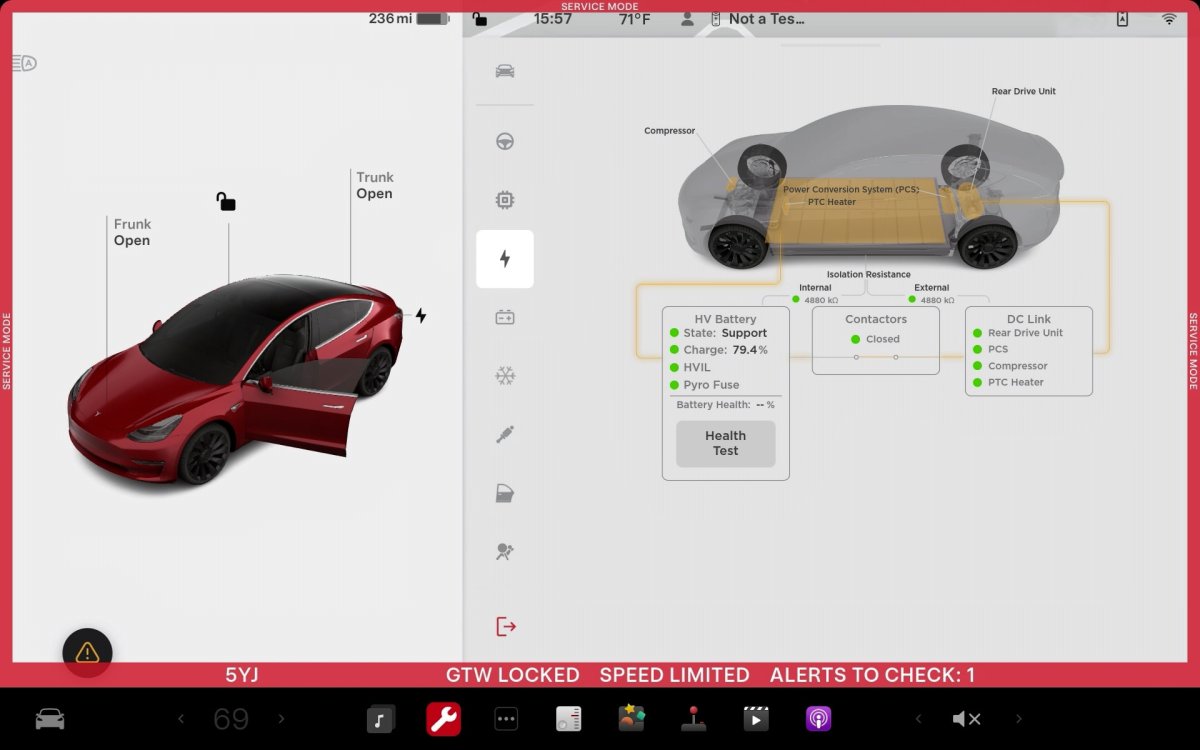
Regular service appointments are an opportunity to assess your Tesla’s battery health. During a service visit, technicians perform diagnostics to evaluate battery capacity, cell voltage, and overall performance. This information is provided to the owner, offering insights into the battery’s condition.
You can book a check-up through the Tesla app. If the car warns you about a cell imbalance or high degradation, don't wait. Catching a failing module early can save you a full pack replacement later.
Tesla’s support documentation provides detailed information about the types of diagnostics performed and what to expect during a service visit. Don’t hesitate to ask questions and clarify any concerns you may have.
No comments yet. Be the first to share your thoughts!