

First look at the 2026 Model Y
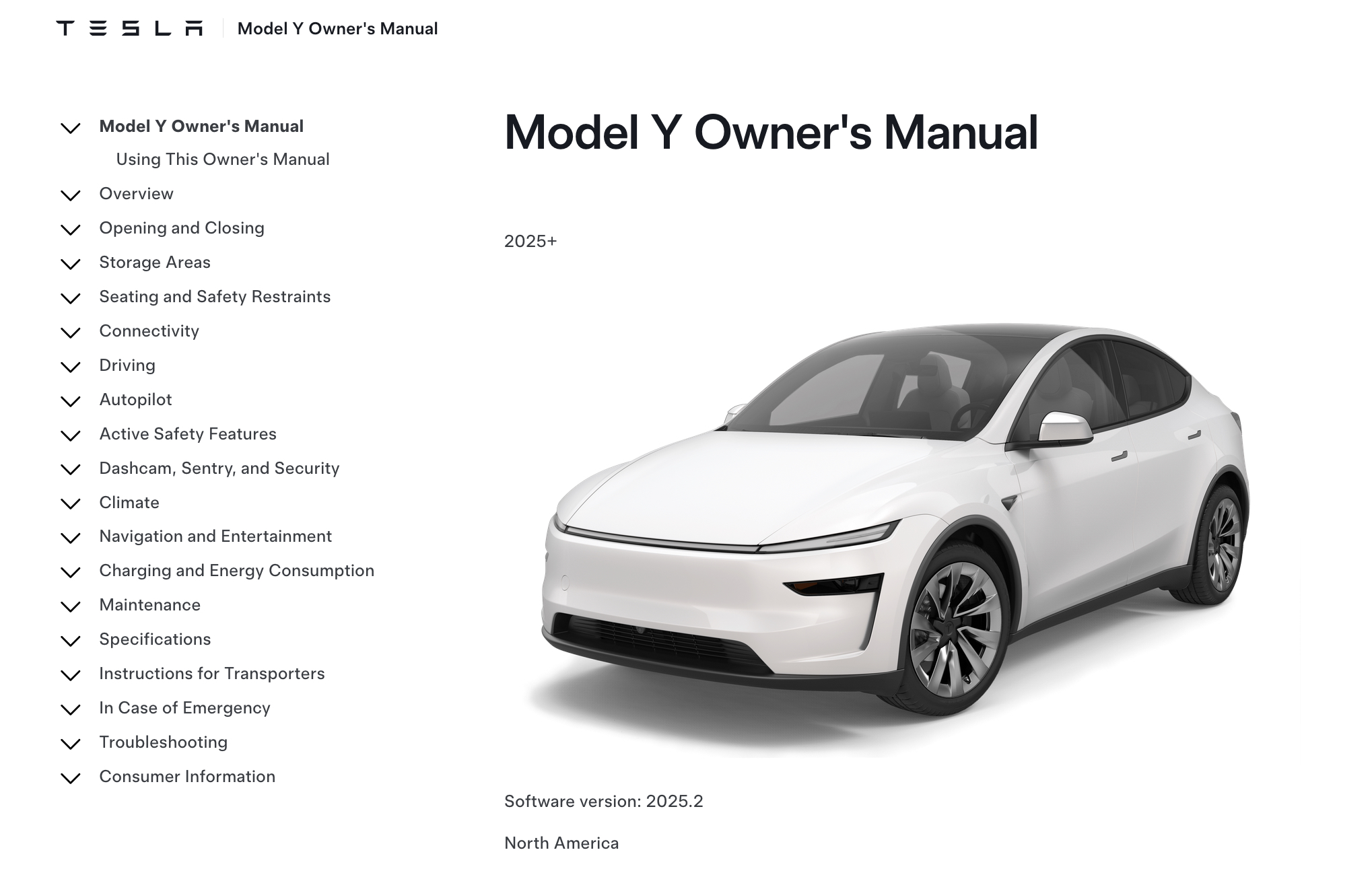
The 2026 Model Y is an evolution. While the design is familiar, the headlights and rear fascia are sharper. Tesla says these tweaks improve aerodynamics enough to squeeze out a few more miles of range.
Under the hood, or rather, under the floor, the 2026 Model Y builds upon the foundation laid by previous iterations. Recent reviews, like the one from Robert Rosenfeld on YouTube, point to continued excellence in driving dynamics, particularly in the Performance model. It’s not a complete overhaul of the powertrain, but rather a fine-tuning of existing technology. Tesla seems focused on refining what they do well, rather than chasing radical innovation with this generation.
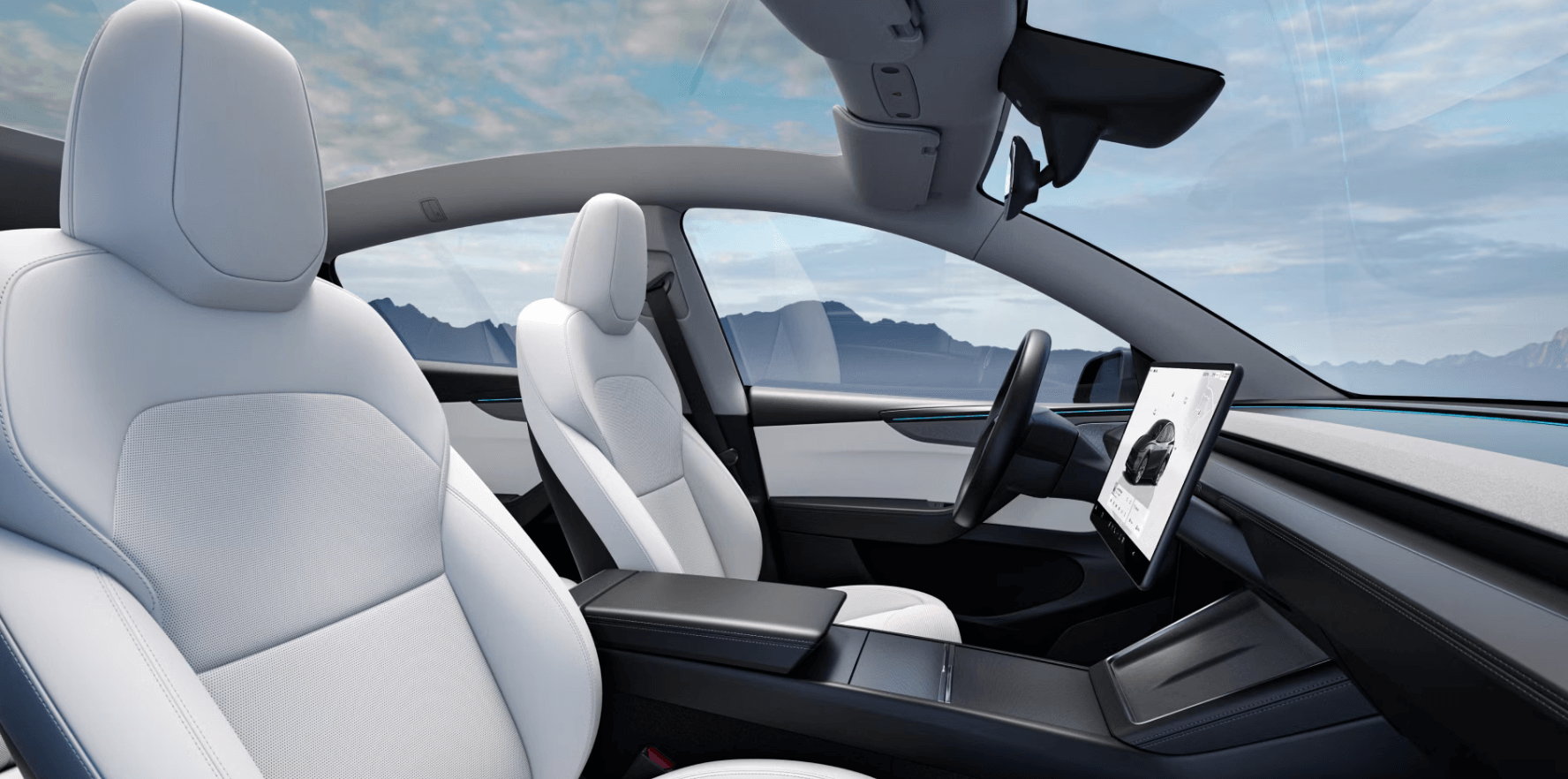
Inside, the infotainment is faster and the materials feel sturdier. It isn't a Mercedes, but it's a step up from the 2024 model. I've pulled these tips from the latest manual and my own time behind the wheel.
It’s important to acknowledge that Tesla’s approach is iterative. They frequently push updates and improvements via software, meaning your experience with the 2026 Model Y will likely evolve over time. This guide will focus on the features and functionality as of the 2026.8 software version, as outlined in the official owner’s manual, but we’ll also touch upon how to stay up-to-date with the latest changes.
Living with the new autopilot interface
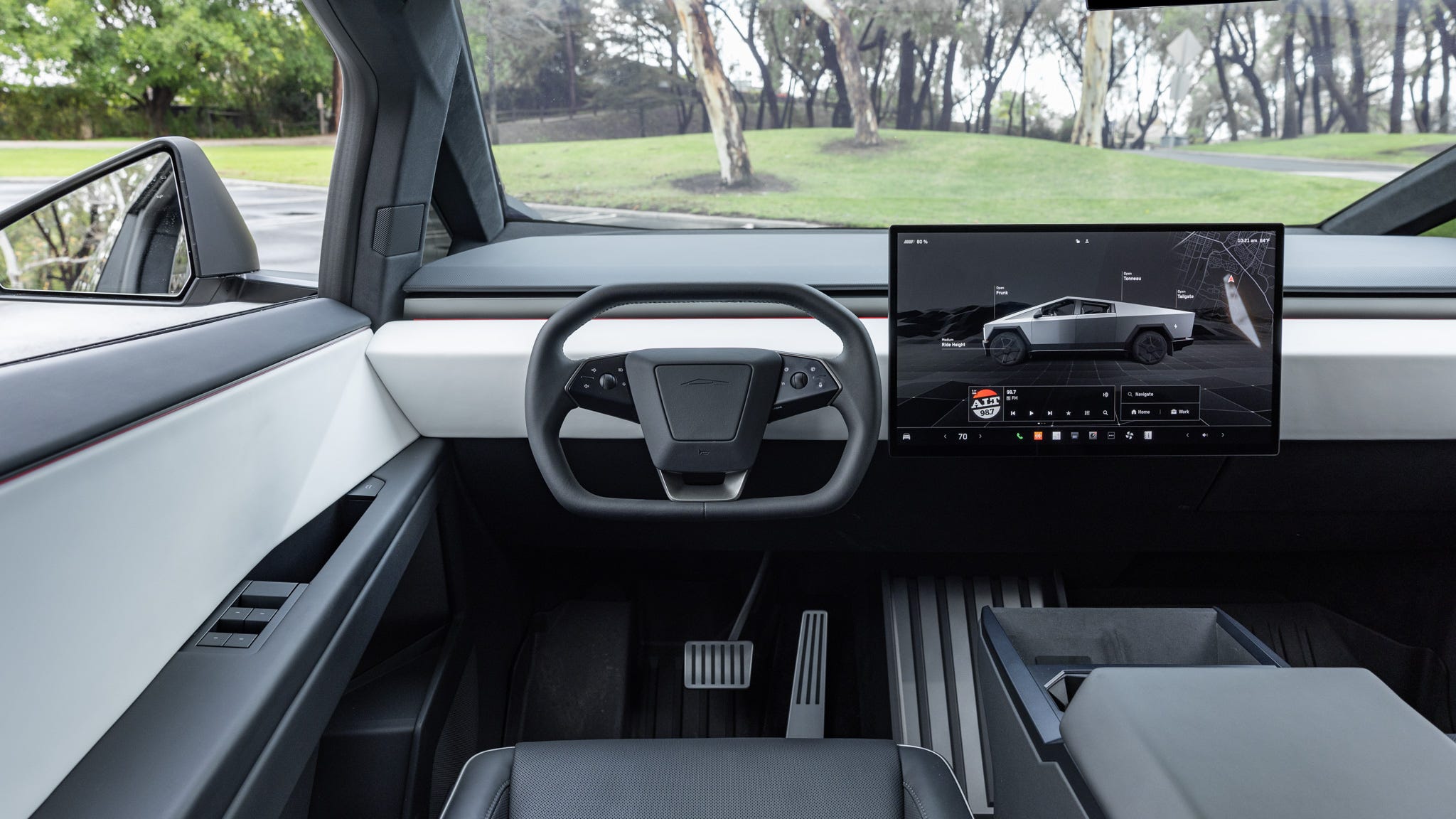
Tesla’s Autopilot system is arguably its most talked-about feature, and the 2026 Model Y introduces several key changes to the interface. The most prominent is a redesigned visualization of the surrounding environment, offering a clearer and more intuitive understanding of what the car "sees’. This is especially helpful for building trust in the system and understanding its limitations. The changes aim to reduce ambiguity and make it easier to anticipate the car"s actions.
Engaging and disengaging Full Self-Driving (FSD) beta has also been refined. While the fundamental process remains the same – double-tapping the right stalk – the visual cues are more pronounced, and the system provides clearer feedback on its state. Tesla has responded to user concerns about abrupt disengagements by improving the transition process, making it smoother and less jarring. However, it’s crucial to remember that FSD beta is still a work in progress and requires constant driver attention.
One area where significant improvements have been reported is in lane changes and navigation. The system now exhibits a more natural and confident lane-changing behavior, and the navigation system is better at anticipating traffic patterns and suggesting optimal routes. These improvements aren’t just about convenience; they contribute to a safer and more relaxed driving experience. However, I've seen reports of occasional phantom lane changes, so vigilance is still required.
A persistent issue for many Tesla drivers is the need for constant steering wheel nudges to prove attentiveness. While Tesla hasn't entirely eliminated this requirement, the 2026 Model Y appears to be more forgiving in certain situations. The system now seems to better recognize subtle inputs and is less likely to issue warnings for minor movements. This is a welcome change, but it’s still essential to remain fully engaged and prepared to take control at any moment.
- Double-tap the right stalk to engage FSD beta.
- Disengage FSD beta: Tap the brake pedal or move the steering wheel.
- Monitor the display: Pay attention to the visualization of the surrounding environment.
Climate control and the heat pump
The 2026 Model Y utilizes a highly efficient heat pump system for heating and cooling, a significant advantage over traditional resistive heating elements. This system draws heat from the environment, even in cold temperatures, minimizing energy consumption and maximizing range. Understanding how the heat pump works is key to optimizing your climate control settings, particularly during the winter months.
Preconditioning is a feature that allows you to warm or cool the cabin while the car is still plugged in. This not only ensures a comfortable temperature upon entry but also reduces the drain on the battery once you start driving. You can schedule preconditioning through the Tesla app, setting a specific time or linking it to your calendar. It’s a simple step that can make a big difference in range, especially in extreme weather.
BioDefense mode uses a HEPA filter to scrub the cabin air. It's in the climate menu. I use it during allergy season or when stuck in tunnel traffic; the difference in air freshness is immediate.
Troubleshooting common climate control issues often starts with checking the cabin air filter. A clogged filter can significantly reduce airflow and system efficiency. Tesla recommends replacing the cabin air filter every 12 months or 12,000 miles, depending on driving conditions. Another common issue is refrigerant leaks, which can lead to reduced cooling performance. If you suspect a leak, it’s best to contact Tesla service for diagnosis and repair.
Charging at Home: Wall Connector Installation
Installing a Tesla Wall Connector at home is the most convenient and cost-effective way to charge your 2026 Model Y. It offers significantly faster charging speeds compared to a standard 120V outlet and is more efficient than using a portable charger with an adapter. Before you begin, it’s essential to assess your home’s electrical capacity and ensure it can handle the additional load. The Wall Connector requires a dedicated 240V circuit with a minimum of 40 amps, although a 50 or 60 amp circuit is recommended for faster charging.
Safety is paramount when installing a Wall Connector. It’s strongly recommended to hire a qualified and licensed electrician to perform the installation. They will ensure that the wiring is up to code and that the circuit breaker is appropriately sized. Incorrect installation can pose a fire hazard and void your warranty. The electrician will also need to consider local building codes and permitting requirements.
The charging speed depends on the amperage of the circuit and the capabilities of the Wall Connector. A 40 amp circuit will provide approximately 9.6 kW of power, while a 50 amp circuit will deliver around 12 kW. A 60 amp circuit can provide up to 14.4kW. These translate to roughly 25-30 miles of range per hour of charging, depending on the Model Y's battery size and temperature. Keep in mind that charging speeds will be slower at lower temperatures.
Several rebates and incentives are available to help offset the cost of a Wall Connector and its installation. Check with your local utility company and state government for available programs. Tesla also occasionally offers promotions and discounts on the Wall Connector. The federal tax credit for EV charger installation, while subject to change, can also be a significant benefit. Thoroughly research available incentives before you begin your installation.
- Assess electrical capacity: Ensure your home can support a 240V, 40-60 amp circuit.
- Hire a licensed electrician to ensure the wiring handles the 240V load safely.
- Check for rebates: Explore local and federal incentives.
- Choose the right cable length: Ensure the cable reaches your parking spot comfortably.
Tires and range maintenance
Maintaining proper tire inflation and performing regular tire rotations are crucial for maximizing the range and extending the lifespan of your 2026 Model Y’s tires. Underinflated tires increase rolling resistance, which requires the motor to work harder and consumes more energy. Conversely, overinflated tires can reduce grip and ride comfort. Tesla recommends a tire pressure of 42 PSI for the front and 39 PSI for the rear, but it’s always best to check the sticker on the driver’s side doorjamb for the most accurate information.
Checking your tire pressure should be done at least once a month, and preferably before long trips. Use a reliable tire pressure gauge and check the pressure when the tires are cold – meaning they haven’t been driven on for at least three hours. Adjust the pressure as needed to match the recommended levels. The Tesla app also displays tire pressure information, providing a convenient way to monitor your tires.
Tire rotation involves swapping the positions of your tires to ensure even wear. This helps to prevent premature wear on any one tire and maximizes the overall lifespan of your tire set. Tesla recommends rotating your tires every 6,000-8,000 miles. The recommended rotation pattern is front-to-back, meaning the front tires are moved to the rear, and the rear tires are moved to the front.
The type of tires you choose can also have a significant impact on range and performance. Low rolling resistance tires are designed to minimize energy loss and can improve range by several percentage points. However, they may offer less grip than performance tires. Many owners discuss tire wear patterns and preferences on Tesla-focused forums, providing valuable insights into different tire options. I've noticed a lot of conversation around the longevity of the factory-equipped tires.
Software Updates: What's New and How to Manage Them
Tesla’s over-the-air (OTA) software updates are a defining feature of the ownership experience. These updates deliver new features, improvements, and bug fixes directly to your 2026 Model Y, without requiring a visit to a service center. Staying up-to-date is crucial for maximizing your vehicle’s performance, safety, and functionality. Updates are typically rolled out in phases, so it may take a few days or weeks for an update to reach your vehicle.
The update process is largely automated. Your car will download the update while parked and connected to Wi-Fi. Once downloaded, you’ll be prompted to install the update during a convenient time. It’s important to allow the update to complete uninterrupted, as interrupting the process can lead to errors. The car will typically require a significant amount of free storage space for the update, so regularly clearing out unnecessary files is a good practice.
Recent updates have introduced features like improved lane keep assist, enhanced navigation, and refinements to the infotainment system. Tesla also frequently addresses security vulnerabilities and improves the overall stability of the software. Keeping track of update release notes is a good way to stay informed about the latest changes. These notes are typically published on Tesla’s website and in the Tesla app.
Occasionally, update failures can occur. If an update fails to install correctly, Tesla provides troubleshooting steps in the owner’s manual and on their support website. Common solutions include restarting the car, connecting to a different Wi-Fi network, or contacting Tesla service for assistance. While updates are generally reliable, it’s always a good idea to back up your settings and preferences before initiating an update.
Keeping Your Model Y Clean: Interior and Exterior
Maintaining the appearance of your 2026 Model Y requires regular cleaning, both inside and out. The interior features vegan leather upholstery, which is durable but requires specific care. Use a pH-neutral leather cleaner and conditioner to prevent cracking and fading. Avoid harsh chemicals and abrasive cleaners, as these can damage the material. For the touchscreen, use a microfiber cloth and a gentle screen cleaner.
The exterior of the Model Y is prone to dirt, dust, and water spots. Wash the car regularly with a mild car soap and a soft sponge or microfiber wash mitt. Avoid using automatic car washes with brushes, as these can scratch the paint. After washing, dry the car with a clean microfiber towel to prevent water spots. Applying a coat of wax or sealant can help protect the paint and make it easier to clean.
Protecting the paint from environmental damage is crucial for maintaining its appearance. Consider using a ceramic coating, which provides a durable layer of protection against scratches, UV rays, and chemical contaminants. Ceramic coatings can be expensive to apply, but they offer long-lasting benefits. Regular waxing or sealing is a more affordable alternative.
For stubborn stains on the interior or exterior, consult a professional detailing service. They have the expertise and tools to safely and effectively remove difficult stains without damaging the vehicle’s surfaces. Maintaining a clean Model Y not only enhances its appearance but also protects its value.
Tesla Model Y Troubleshooting Guide
| Problem | Likely Cause | Troubleshooting Steps | When to Contact Service |
|---|---|---|---|
| Touchscreen Unresponsive | Software glitch, low temperature | Restart the touchscreen by pressing and holding both scroll wheels on the steering wheel. Ensure the vehicle is sufficiently warmed up. | If the issue persists after restart, or occurs frequently, contact Tesla Service. |
| Door Won't Open (Exterior Handle) | Child lock activated, mechanical issue with the latch | Check if the child lock is enabled in the vehicle settings. Try the interior door handle. Attempt to open the door using the Tesla app. | If the door remains unresponsive, contact Tesla Service. Do not attempt forceful opening. |
| Charging Issues (No Power) | Incorrect charger connection, tripped circuit breaker, charging port issue | Verify the charger is securely connected to both the vehicle and the power source. Check the circuit breaker for the charging outlet. Try a different charging outlet. | If charging still fails, contact Tesla Service. Do not modify the charging equipment yourself. |
| Navigation System Errors | Poor GPS signal, outdated software | Ensure a clear view of the sky for optimal GPS reception. Check for and install any available software updates. | If navigation issues continue, contact Tesla Service for assistance. |
| Automatic Emergency Braking (AEB) False Activation | Sensor obstruction (dirt, snow, ice), system calibration needed | Clean all sensors (cameras and radar) located around the vehicle. Ensure no objects are obstructing the sensors. | If false activations persist, schedule a service appointment with Tesla to check the sensor calibration. |
| Slow Charging Speed | Low voltage outlet, long charging cable, cold battery | Use a higher voltage outlet if available. Minimize the length of the charging cable. Allow the battery to warm up before charging (if cold). | If charging remains significantly slower than expected, contact Tesla Service. |
| Key Fob Not Working | Low battery in key fob, key fob not paired | Replace the battery in the key fob. Ensure the key fob is properly paired with the vehicle through the touchscreen controls. | If the key fob still doesn’t work, contact Tesla Service. |
Illustrative comparison based on the article research brief. Verify current pricing, limits, and product details in the official docs before relying on it.
No comments yet. Be the first to share your thoughts!